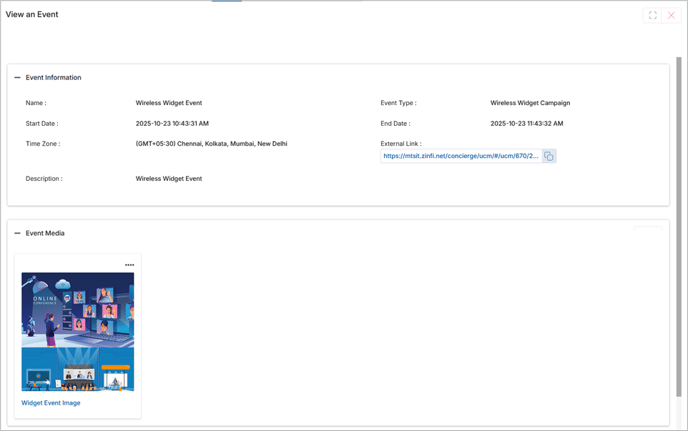
Calendar
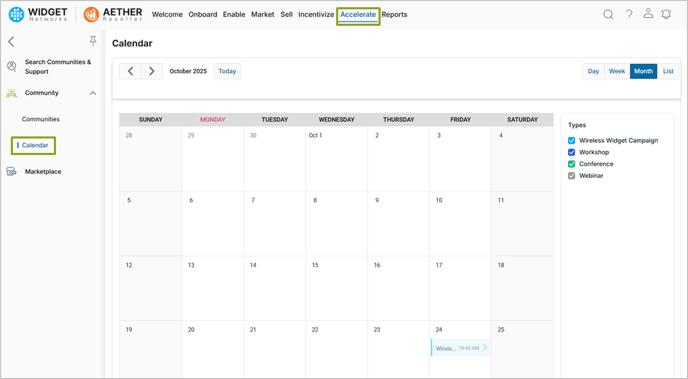
- Click on Accelerate on the top menu.
- Click on Community > Calendar in the left menu bar.
- View all assigned events displayed within the calendar interface.
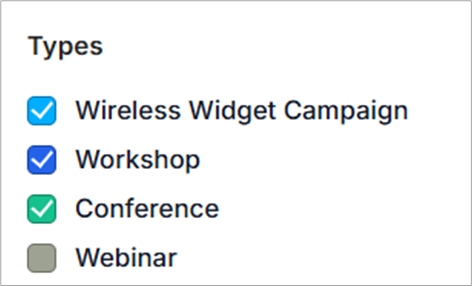
- Select or deselect event types to instantly filter and view relevant events in the calendar.
- Click on Preview an upcoming event and open its registration or external link.
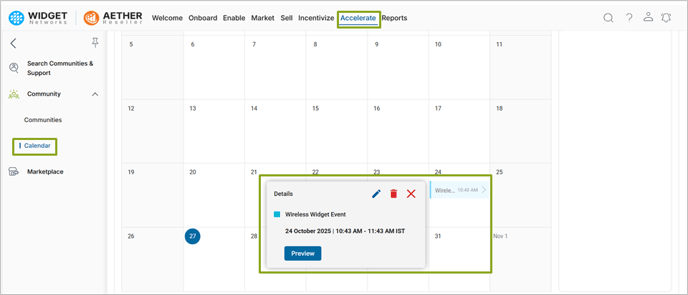
- Clicking Preview will take the Partner to the details page of the Event from where the Partner can download any available attached document associated with the Event.